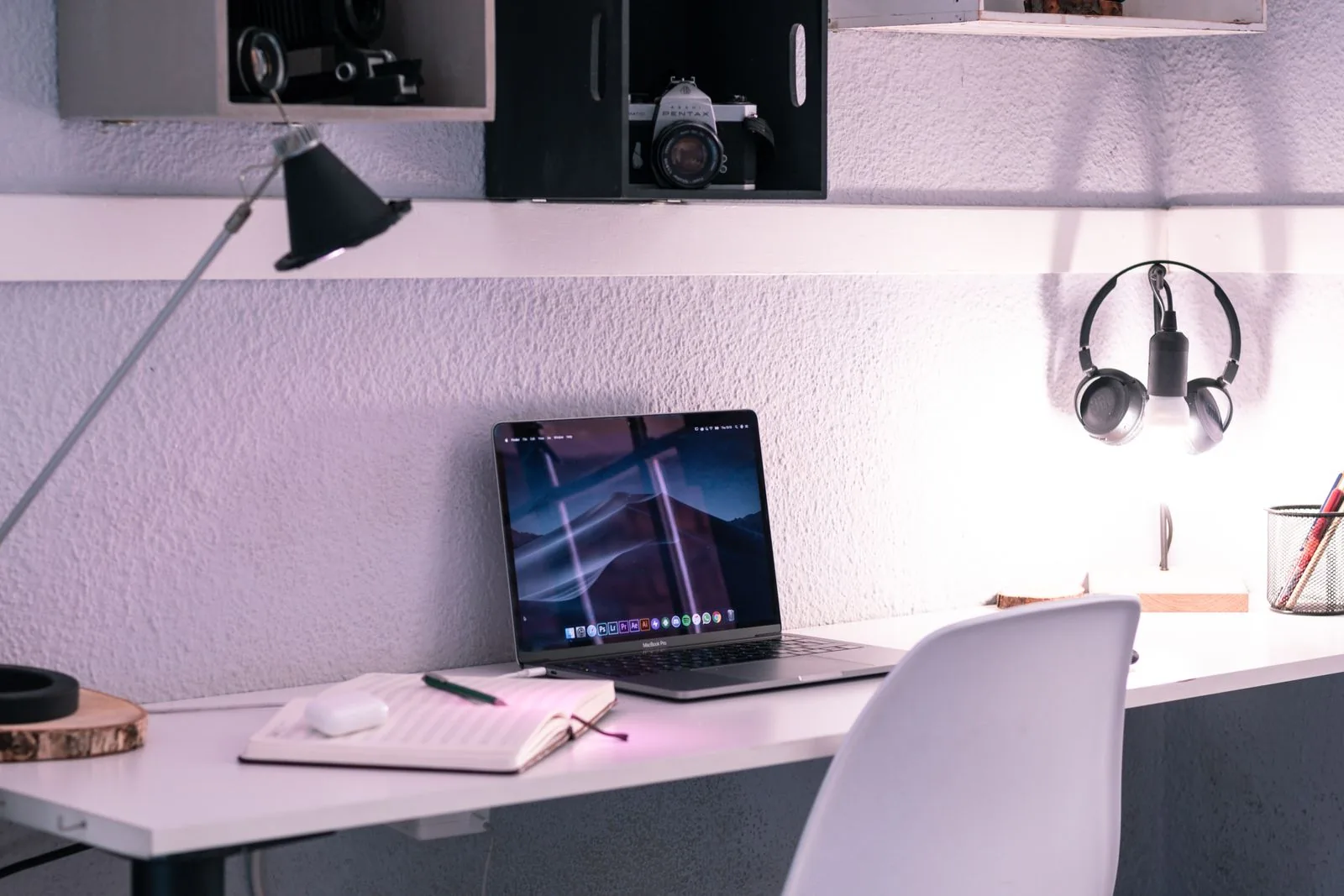
A photograph of a tidy desk usually leaves something out: the repetitive work that happens there. If you spend your morning typing invoices, a missing number pad can be annoying. If you mainly write and edit, a wide keyboard may push the mouse farther away than you want. The right keyboard follows the job rather than a preferred desk aesthetic.
This guide compares compact and full-size layouts for ordinary writing, spreadsheets, study, and mixed home working. We use published manufacturer information to identify an example, without claiming a hands-on typing test, measured productivity gains, or medical benefits.
Choose for your everyday.
Choose compact if you value mouse space and portability more than a dedicated number pad. Choose full-size if frequent numerical entry makes that pad useful. Confirm layout, connection, and key functions before comparing backlighting or decorative finishes.
In this guide
Keep a short record of the keys you use
For a normal working day, notice how often you use the number pad, navigation cluster, function row, and keyboard shortcuts. Do not rely on the idea that you might need them one day. An occasional function can be convenient through a shortcut; a function used every few minutes deserves direct access.
Keyboard size names are not fully descriptive. Two compact models can place arrows and navigation keys differently. Inspect the actual layout image and manual. If a shortcut matters to your software, check the operating-system version of the keyboard rather than assuming a printed symbol guarantees the behavior you expect.
Consider mouse space and desk depth
A shorter keyboard can leave more usable space beside it, especially on a narrow desk or dining table. That benefit disappears if a separate number pad and several accessories fill the same area. Sketch the whole setup, including notebook and mouse movement, before choosing a layout.
Depth matters too. A large wrist support, thick keyboard, or shallow tabletop can change where your hands rest. Comfort is individual and depends on the complete workstation. Choose a stable position and vary tasks; do not treat a keyboard label as a promise that it will solve discomfort.
Make the connection fit your routine
A wired keyboard is straightforward when the host has the right port and the cable reaches comfortably. Wireless models can simplify moving the setup but add pairing, power, and potential receiver considerations. Check whether a receiver is included or sold separately and whether Bluetooth suits the computer you use.
Logitech's MX Keys Mini is one compact wireless candidate. The manufacturer's product and support pages describe its layout and supported connections. Compare the exact regional and operating-system version, particularly if you use several computers. Do not assume that charging through USB automatically means the keyboard also types through that cable.
Treat feel and sound as personal criteria
Key height, spacing, travel, and sound influence the experience, but descriptions such as premium or satisfying do not make a universal recommendation. In a shared room, consider the sound during a call and late-night typing. In a workplace, check whether software installation is allowed before relying on custom functions.
If you can, try a realistic passage and the shortcuts you use most. A few isolated key presses will not reveal every issue, so review return conditions. Consider how you will clean the keyboard, whether unusual keycaps are replaceable, and where it goes when the work surface is cleared.
Avoid paying twice for the same need
A compact keyboard plus a separate number pad can work well when you need figures occasionally. If you use both all day, a full-size keyboard may be simpler and less expensive as a complete setup. A premium mechanical board is an optional preference, not a requirement for ordinary writing.
Backlighting can help in some rooms, but it does not replace appropriate workspace lighting. Multi-device switching is useful only if you change devices often. Put the layout and connection first, then choose the extras that remove a real inconvenience. A keyboard you understand immediately often earns more use than one with a long features list.
A choice for each kind of day
Use the scenario as your starting point. The right option solves your own inconvenience without adding a new one.
| Your option | Makes sense for | The tradeoff |
|---|---|---|
| Compact keyboard | Writing, portability and more mouse space | Some keys may use layers or combinations |
| Full-size keyboard | Frequent numeric entry and familiar navigation | Occupies more horizontal desk space |
| Compact + separate number pad | Mixed work with occasional long number sessions | Two devices to store and potentially power |
Brands to put on your shortlist
These are starting points for your research, based on the brands’ published information. Check the exact version, dimensions, care instructions, delivery terms, and current price before ordering.
MX Keys Mini
Writing on a narrow desk Packing a shared-table workspace
- Compact wireless keyboard
- Illuminated keys
Why consider it: Compact layout leaves space beside it Separate input for a raised laptop
Keep in mind: No dedicated number pad Confirm regional layout and connection requirements
Explore at Logitech ↗Brand website · Not an affiliate link · Details checked Nov 12, 2026Your before-you-buy checklist
- Record which special keys you actually use.
- Inspect the exact layout image.
- Confirm regional symbols and operating-system support.
- Check receiver, cable and charging requirements.
- Compare total setup width, not keyboard width alone.
Before you decide
Is a compact keyboard better for a small desk?
Often it leaves more space beside it, but consider the complete setup. A separate number pad and accessories can use the space you expected to save.
Does a USB charging cable also provide a wired connection?
Not always. Some wireless keyboards use the cable for charging only. Read the model's connection documentation.
Do I need a mechanical keyboard for writing?
No. Switch feel is a preference, and many keyboard types support ordinary writing. Prioritize layout, dependable connection, comfort, and suitable sound.
Sources & editorial notes
Brand information last checked Nov 12, 2026. Our scenario recommendations are editorial judgments, not laboratory results. Stock images illustrate everyday use and are not product verification.
See a detail that needs updating? Send a correction.