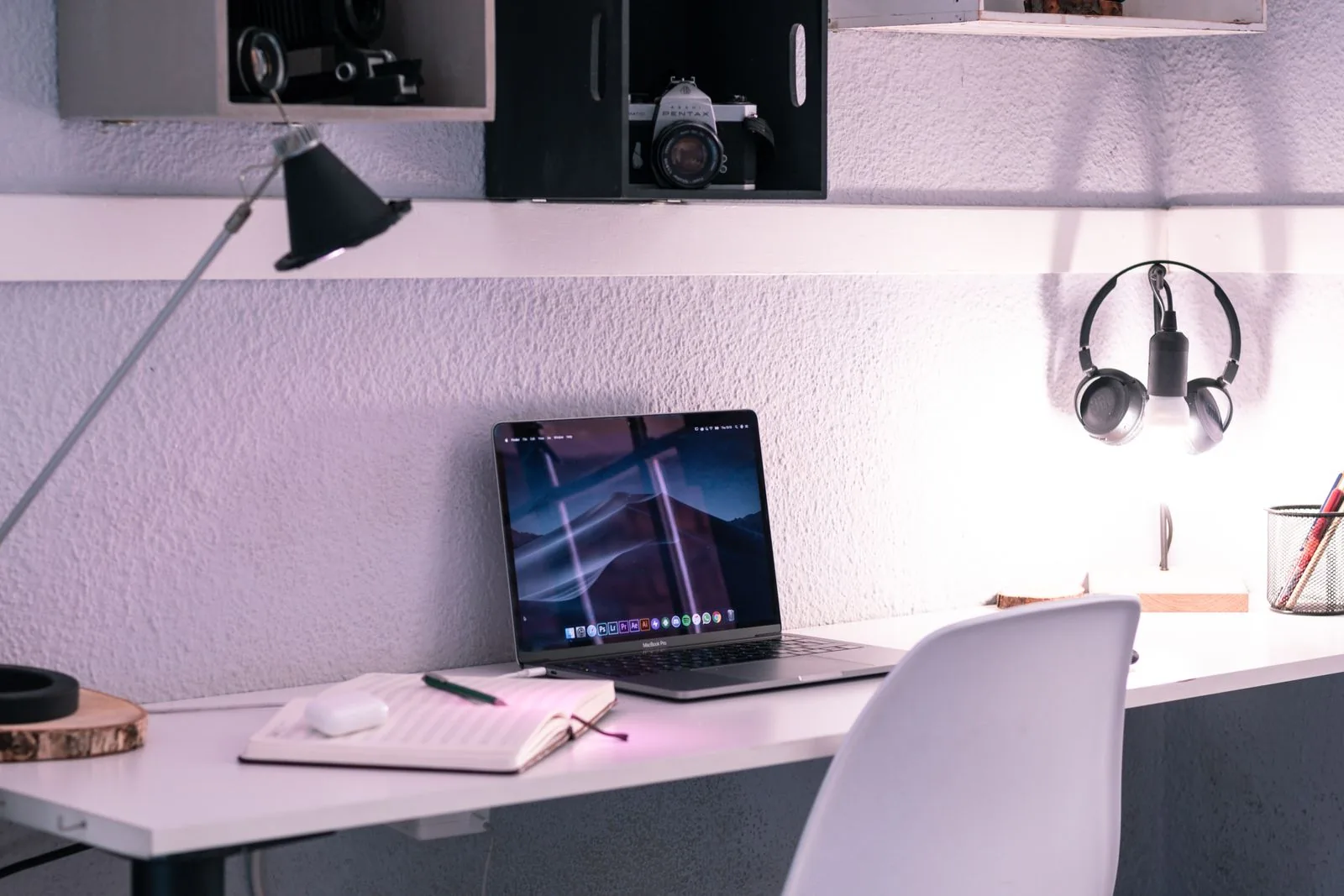
At nine in the morning, the dining table is an office. At six, somebody needs it for dinner. The difficulty is not just finding room for a laptop; it is moving between those uses without leaving a trail of cables, notebooks, and half-finished work. A useful portable desk setup makes both starting and stopping easier.
This guide is for occasional home working and small homes with shared surfaces. It covers the practical fit of a stand, separate keyboard, mouse, and carrying tray. We use published manufacturer information to identify candidates. We have not tested your posture or workspace, and no accessory here is presented as a treatment for pain.
Choose for your everyday.
For longer work sessions, consider a stand with a separate keyboard and mouse, then keep the whole kit together in a tray or bag. For brief tasks, the laptop alone may be simpler. Buy fewer pieces that you can set up consistently.
In this guide
Measure a complete work position
Make room for your forearms, mouse movement, and the documents you actually use. A laptop stand may free space beneath the screen, but a separate keyboard occupies another part of the table. Mark the complete footprint before deciding a stand makes the setup smaller. Also consider the chair and available legroom.
Choose a place where daylight does not create persistent glare and where a power lead can reach safely. If the dining chair or table makes every position awkward, a premium stand cannot fix the whole arrangement. Start with a comfortable, supported position and change tasks and positions during the day.
Elevate the screen only with a typing plan
A raised laptop can place the display closer to your preferred viewing position. It also moves the built-in keyboard upward, so it generally makes sense to use separate input devices for extended typing. A fixed-height stand suits a repeatable location; an adjustable one is more flexible but adds hinges and setup decisions.
Twelve South's Curve is a real stand candidate to compare using the manufacturer's compatibility, dimensions, and support guidance. Do not assume that a stand designed around laptops supports every device or that a tablet case will sit securely. Check the exact machine's width, weight, vents, and cable placement.
Choose a keyboard around the work you do
A compact keyboard leaves more room for a mouse and can be easier to store. A full-size model may be better if you enter long columns of figures every day. Logitech's MX Keys Mini is an example of a compact wireless keyboard, but confirm operating-system layout and connection requirements before choosing a version.
Wireless accessories reduce attached cables during use, not maintenance. They still need charging or batteries and a dependable connection. A simple wired keyboard can be a sensible choice if you value immediate connection and rarely move it. Avoid buying both formats until you have a clear reason.
Create a shutdown routine as well as a setup
Use one tray, shallow box, or bag to collect the disconnected accessories. Keep the charger cable loosely arranged rather than repeatedly pulling it tight. Place the kit somewhere that does not need to be cleared for the next household activity. A protected sleeve can help if the laptop travels between rooms or leaves home.
Before clearing the table, save your work and follow your device's normal shutdown or sleep procedure. A short written next-action note makes restarting easier. The physical packing routine is more useful when it also marks the end of the work session rather than moving an open office onto the sofa.
Where the extra money helps
Spend first on a stable support and input devices that fit your actual work. A monitor can be useful in a permanent location but may be inconvenient when the entire workspace must disappear nightly. Decorative desk mats and coordinated organizers should follow, not determine, the arrangement.
Compare the cost of the complete kit, including any missing charger or adapters. Keep packaging until you confirm fit and check return terms. If clearing the table takes too long, remove the least useful accessory before adding another organizer. A portable desk succeeds when you can put it away without negotiation.
A choice for each kind of day
Use the scenario as your starting point. The right option solves your own inconvenience without adding a new one.
| Your option | Makes sense for | The tradeoff |
|---|---|---|
| Laptop alone | Short tasks and very quick packing | Screen and keyboard positions remain tied together |
| Stand + compact keyboard + mouse | Longer sessions on a shared table | More pieces to carry, charge and store |
| Permanent monitor setup | A dedicated work surface | Less suitable for clearing the dining table |
Brands to put on your shortlist
These are starting points for your research, based on the brands’ published information. Check the exact version, dimensions, care instructions, delivery terms, and current price before ordering.
Curve Laptop Stand
A laptop used with separate inputs An organized home desk
- Aluminum laptop stand
- Fixed desktop support format
Why consider it: Gives the laptop a defined place Leaves room to plan separate keyboard placement
Keep in mind: Check laptop dimensions and support guidance Not a substitute for a suitable chair and table
Explore at Twelve South ↗Brand website · Not an affiliate link · Details checked Nov 12, 2026MX Keys Mini
Writing on a narrow desk Packing a shared-table workspace
- Compact wireless keyboard
- Illuminated keys
Why consider it: Compact layout leaves space beside it Separate input for a raised laptop
Keep in mind: No dedicated number pad Confirm regional layout and connection requirements
Explore at Logitech ↗Brand website · Not an affiliate link · Details checked Nov 12, 2026Your before-you-buy checklist
- Measure the entire setup including mouse movement.
- Check stand compatibility and ventilation.
- Use separate inputs when raising the laptop for long typing.
- Keep accessories in one carryable place.
- Try clearing the table before buying more pieces.
Before you decide
Do I need a laptop stand for occasional email?
Not necessarily. A simple setup may suit brief tasks. A stand becomes more useful when display position matters during longer sessions and you can use separate inputs.
Can I type on a laptop while it is raised?
Some low-angle supports allow this, but a higher display stand usually calls for a separate keyboard and mouse. Follow the stand maker's intended use.
Should I buy a monitor first?
A monitor makes most sense when it has a permanent, suitable place. For a table cleared every evening, check storage and moving effort before buying one.
Sources & editorial notes
Brand information last checked Nov 12, 2026. Our scenario recommendations are editorial judgments, not laboratory results. Stock images illustrate everyday use and are not product verification.
See a detail that needs updating? Send a correction.